
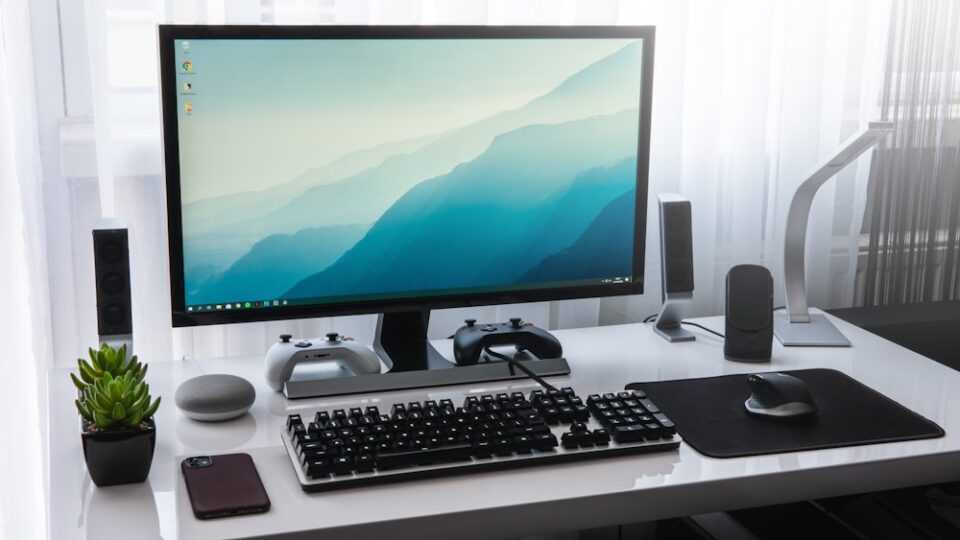
RDP stands for Remote Desktop Protocol — a technology developed by Microsoft that allows users to connect and control another computer over the internet as if they were sitting right in front of it.
It’s widely used for remote work, server administration, technical support, and accessing applications or files from anywhere in the world.
💡 How RDP Works
When you use RDP, you’re essentially opening a graphical desktop session on another computer (usually a Windows server or PC). You can:
- Open files and programs
- Browse the internet
- Manage settings
- Install software
- Perform tasks just like on a local machine
All of this happens remotely and securely through the RDP protocol, using port 3389 by default.
🖥️ What Devices Can Use RDP?
You can access RDP from almost any device:
- Windows PCs (built-in Remote Desktop app)
- macOS (via Microsoft Remote Desktop app)
- Linux (using
rdesktop,Remmina, orFreeRDP) - Android/iOS (using Microsoft Remote Desktop mobile apps)
🔐 Is RDP Secure?
Yes — when configured correctly. RDP uses network-level authentication and encryption, but to keep your connection secure:
- Use strong passwords
- Change the default RDP port
- Enable firewalls and 2FA
- Use RDP over a VPN for added security
🚀 Common Uses of RDP
- ✅ Remotely manage servers or workstations
- ✅ Work from home by accessing office computers
- ✅ Run Windows applications on non-Windows devices
- ✅ Host Forex trading platforms (MT4/MT5) on RDP
- ✅ Deploy bots, scripts, and automation tools 24/7
📌 Need Your Own RDP?
Want a fast, reliable, and secure RDP server?
👉 Check out our Windows RDP plans at Servers9
High-speed SSD, administrator access, and remote availability — perfect for professionals and businesses.
🆚 RDP vs VPS: What’s the Difference?
While both RDP and VPS allow remote access, here’s the key difference:
- RDP gives you access to a Windows desktop interface
- VPS (Virtual Private Server) provides a server environment, often Linux-based
RDP is ideal for users who need a Windows GUI, while VPS suits developers or sysadmins who prefer a command-line server.
RDP is a powerful tool for anyone who needs remote access to a Windows environment. It’s easy to use, works across platforms, and is perfect for productivity, remote work, and hosting specific applications.