High performance

Windows

Remote Desktop

Choose Your Windows RDP Plan

Get access to a familiar, high-performance Windows virtual environment tailored to your exact business or personal workflow. Select the ideal balance of CPU, RAM, and storage below, and seamlessly deploy a dedicated remote desktop designed for multitasking, smooth GUI navigation, and 24/7 reliability.

Plan CPU RAM & Storage Speed & Data Price Order
RDP02
Intel Processor dedicated server
2Ghz+ 1 Core
1GB RAM
25GB NVMe SSD
1TB@
1Gbps
RDP03
Intel Processor dedicated server
2Ghz+ 1 Core
2GB RAM
50GB SSD
2TB@
1Gbps
RDP04
Intel Processor dedicated server
2Ghz+ 1 Core
2GB RAM
64GB NVMe SSD
2TB@
1Gbps
RDP06
Intel Processor dedicated server
2Ghz+ 2 Core
4GB RAM
80GB SSD
3TB@
1Gbps
RDP08
Intel Processor dedicated server
2Ghz+ 4 Core
8GB RAM
160GB SSD
4TB@
1Gbps
RDP10
Intel Processor dedicated server
2Ghz+ 4 Core
12GB RAM
260GB SSD
7TB@
1Gbps

Optional Features

30+ Locations

Options for Snapshot

Options for Backups

1Gbps Uplink

Private Networking

IPv6 Support

Why Remote Desktop with Servers9?

  • Blazing-Fast NVMe SSD Storage

    All of our remote desktop servers are powered by high-speed enterprise SSDs and the latest, fastest M.2 NVMe SSD technology. Experience lightning-fast data transfer speeds, instant application loading, and zero disk bottlenecks.

  • Enterprise Server-Grade Hardware

    Our infrastructure is built entirely on premium, server-grade hardware. This ensures maximum stability, high-performance multitasking, and an ultra-smooth graphical user interface (GUI) across your entire remote desktop connection.

  • Highly Secure Global Data Centers

    Your data security is our top priority. Our network spans across secure tier-3 data centers in America, Asia, Europe, and Australia, all protected by advanced hardware firewalls, physical security, and cutting-edge encryption technology.

  • 99.9% Network Uptime Guarantee

    Our proactively managed backend infrastructure keeps your business online around the clock. By eliminating single points of failure, we reduce downtime to a minimum so you can count on a reliable 99.9% uptime guarantee every single month.

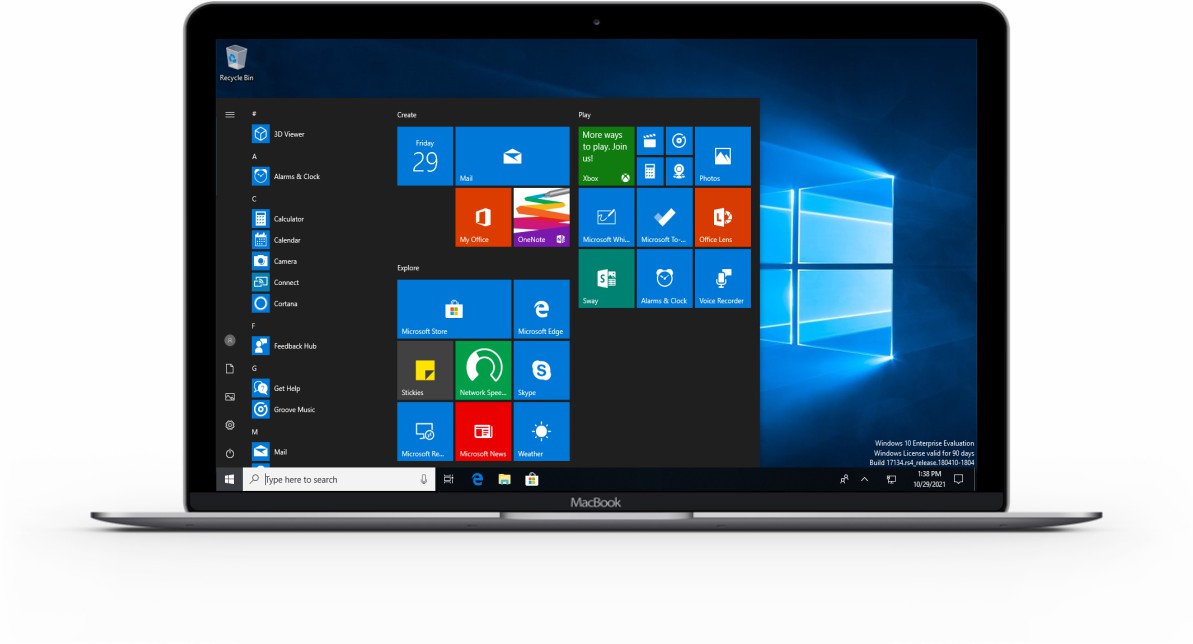
Turn Your MacBook into a Windows PC!

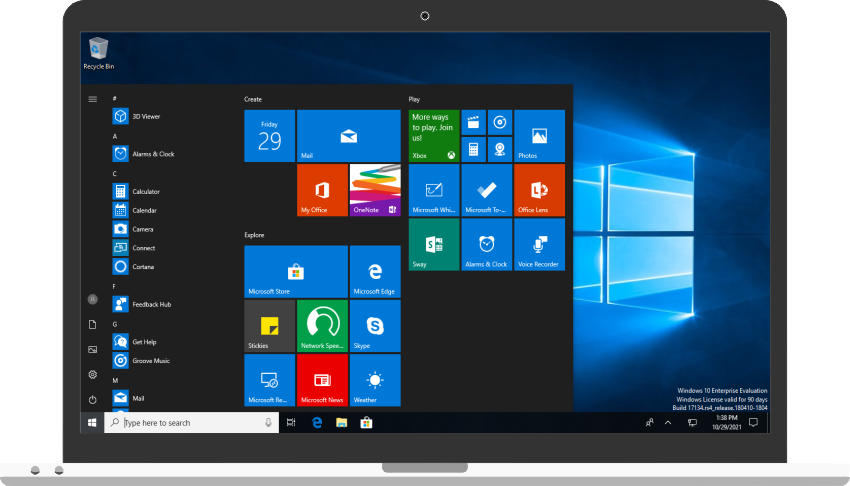
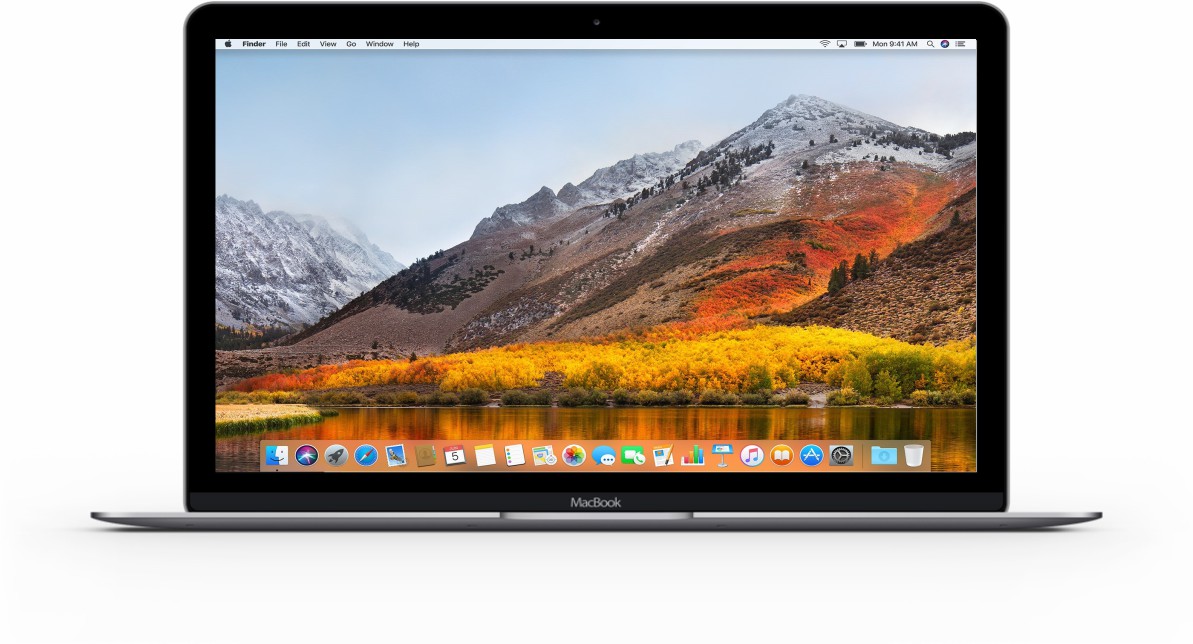
Run powerful, Windows-exclusive business software, automation tools, and native applications directly from your Mac. Simply connect via the official Microsoft Remote Desktop app for macOS and transform your Apple hardware into a cloud-powered Windows workstation in seconds.

MacBook-Notebookwindows10-rdp-desktop

Choose your locations from 30+ Cities Worldwide

Maximize your remote desktop performance by deploying your Windows VPS closer to home. With high-speed tier-3 data centers strategically located across North America, Europe, Asia, and Australia, you can ensure ultra-low latency, blazing-fast mouse responsiveness, and a lag-free Windows RDP experience no matter where you are working from.

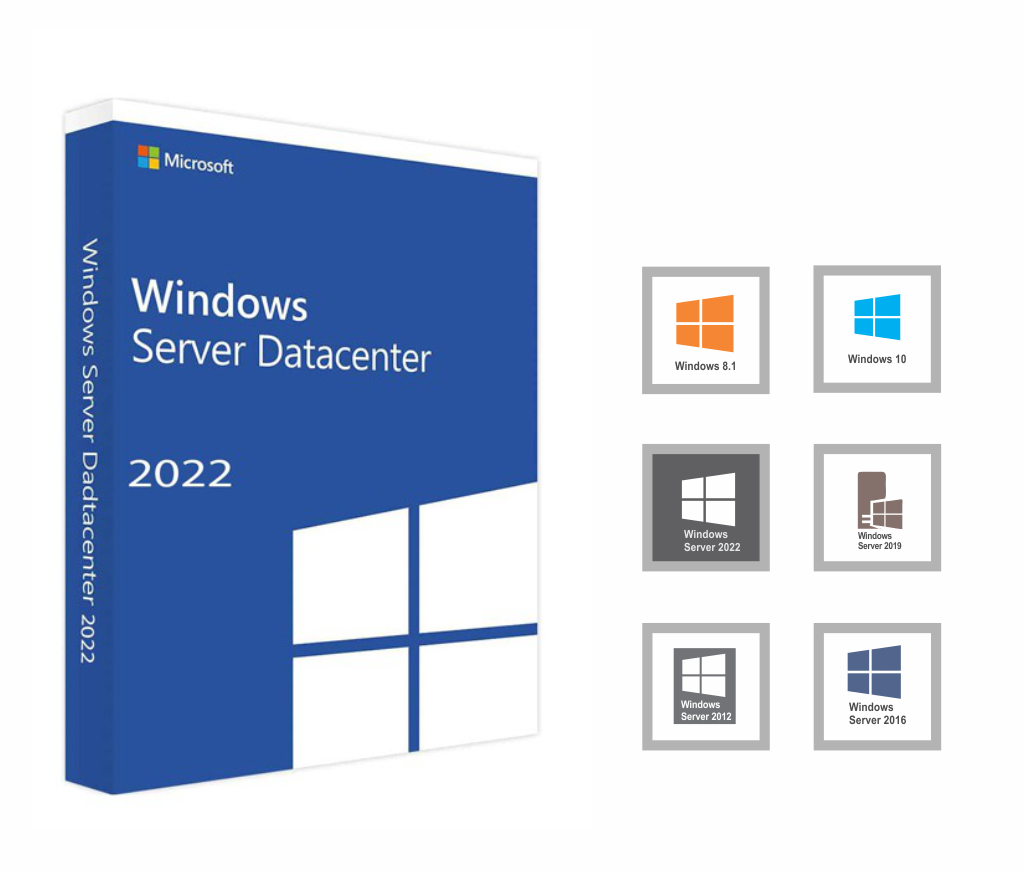
Choose RDP from Your Favorite Windows

  • Windows Server 2025

    Microsoft's latest release of Windows Server 2025 edition.

  • Windows Server 2022

    Microsoft's latest release of Windows Server 2022 edition.

  • Windows Server 2019

    Microsoft Windows Server 2019 edition.

  • Windows Server 2016

    Microsoft Windows Server 2016 edition.

  • Windows Server 2012 R2

    Most favorite ever windows server 2012 Standard R2 edition.

  • Windows 11

    Choose your remote desktop from Microsoft Windows 11 Professional or Windows 11 Enterprise Edition.

Frequently Asked Questions

What is RDP

RDP mean Remote Desktop Protocol which could be connect using internet from your personal computer. It is called remote desktop connection because of you are connecting Windows VPS from your home computer using internet protocol.

What is the differences between Windows VPS and Windows RDP?

Both are same, 2 name of same thing. VPS mean virtual private server and RDP mean remote desktop protocol, you can connect each of your windows VPS using your personal computers ‘Remote desktop connection’ application so your windows VPS could be also called as Windows RDP.

Do all Windows VPS have RDP?

Yes all of our Windows VPS are RDP enabled.

Do I have administrative access?

Yes, you can access your RDP as Administrator.

Can I install any apps or software?

Yes, you can install any apps or software on your remote desktop computer.

How long it take to activate my order?

We usually activate all orders within an hour but sometime it could take several hours. If you have placed an order, don’t worry just wait.

How to get support?

Please follow this link to know how to get support.

What is your payment method?

You can pay by Credit/Debit Card and Paypal using 2checkout, also you can pay by Bitcoin if you want. 

Still Have Questions?

Let us know your questions or concern, may be we can do something for you!