Still Have Questions?
Let us know your questions or concern, may be we can do something for you!

Experience fast and secure
Get access to a powerful, cloud-based Linux environment tailored to your exact workflow. Select the ideal balance of CPU, RAM, and storage below, and seamlessly deploy your preferred desktop environment—whether you need the ultra-lightweight speed of XFCE or the feature-rich interface of Gnome and KDE.
Note: You can use browser base html console or VNC apps to connect your Linux Remote Desktop.
An Linux Remote Desktop (RDP) is a cloud-based virtual machine that allows you to access a full graphical Linux interface from any device using standard remote desktop software. We offer Linux Desktop pre-configured with four distinct desktop environments—including lightweight XFCE, classic Gnome, and feature-rich KDE—allowing you to choose the perfect balance of performance, customization, and resource efficiency for your workflow.
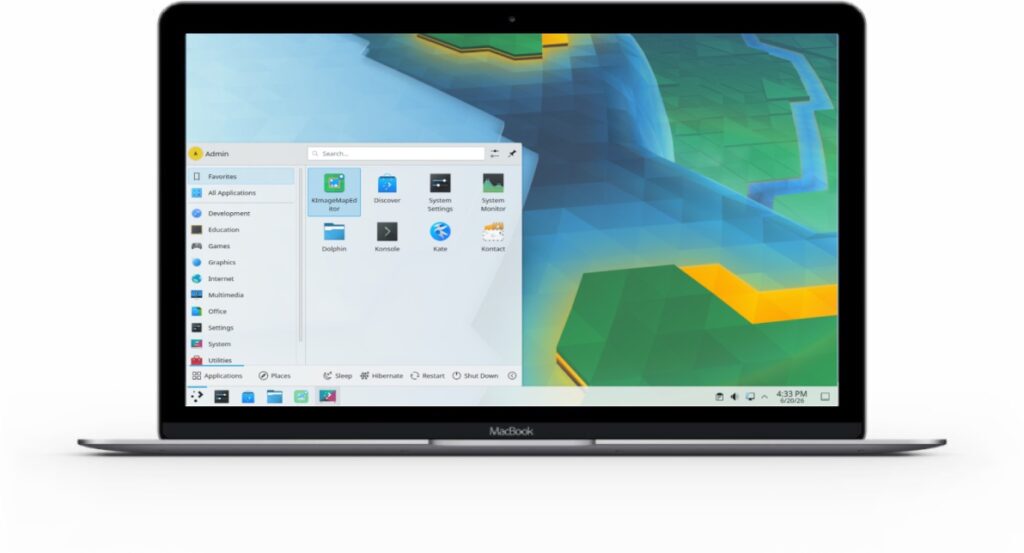
Ubuntu KDE Remote Desktop
Maximize your remote desktop performance by deploying your server closer to home. With high-speed data centers strategically located across North America, Europe, Asia, and Australia, you can ensure ultra-low latency, blazing-fast GUI responsiveness, and a lag-free Ubuntu RDP experience no matter where you are working from.

You don’t need to dual-boot or wipe your hard drive to experience the power of Linux. By launching an Ubuntu RDP VPS, you instantly unlock a full-fledged, high-performance Ubuntu desktop that runs alongside your current OS—giving you the best of both worlds without risking your local files.
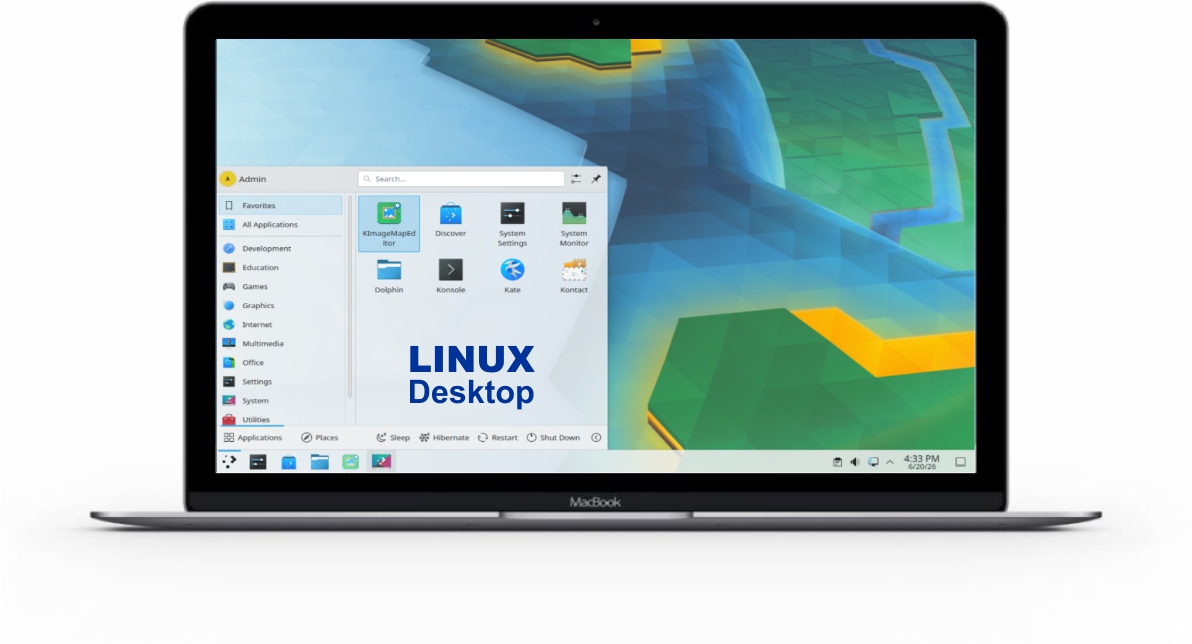
Why should you choose us for your remote desktop computer?
Yes, our service is fully compatible with any standard RDP client, including Microsoft Remote Desktop for Windows and macOS, as well as various mobile apps available on the App Store and Google Play Store.
We offer a selection of pre-configured desktop environments for Ubuntu 24.04, including the lightweight XFCE, the classic Gnome, and the feature-rich KDE, allowing you to choose the best fit for your performance needs.
For a smooth experience, we recommend at least 1GB or 2GB of RAM for the lightweight XFCE environment, while 4GB or 8GB of RAM is highly recommended for a more fluid experience with heavier desktop environments like Gnome or KDE.
Yes, every plan comes with full root access, giving you complete freedom to install custom software, manage system configurations, and optimize your Linux environment exactly how you want it.
Yes, our remote desktop connections use secure encryption protocols, ensuring that your data remains protected while you access your Linux workspace from anywhere in the world.
Yes, you can browse the web seamlessly. However, please note that because video and audio data must be streamed over the internet via the RDP protocol, watching high-definition videos (like YouTube or Netflix) may experience slight frame-drops compared to your local PC, depending on your internet connection.
You can pay by Credit/Debit Card and Paypal using Paddle, also you can pay with BTC.

Let us know your questions or concern, may be we can do something for you!